
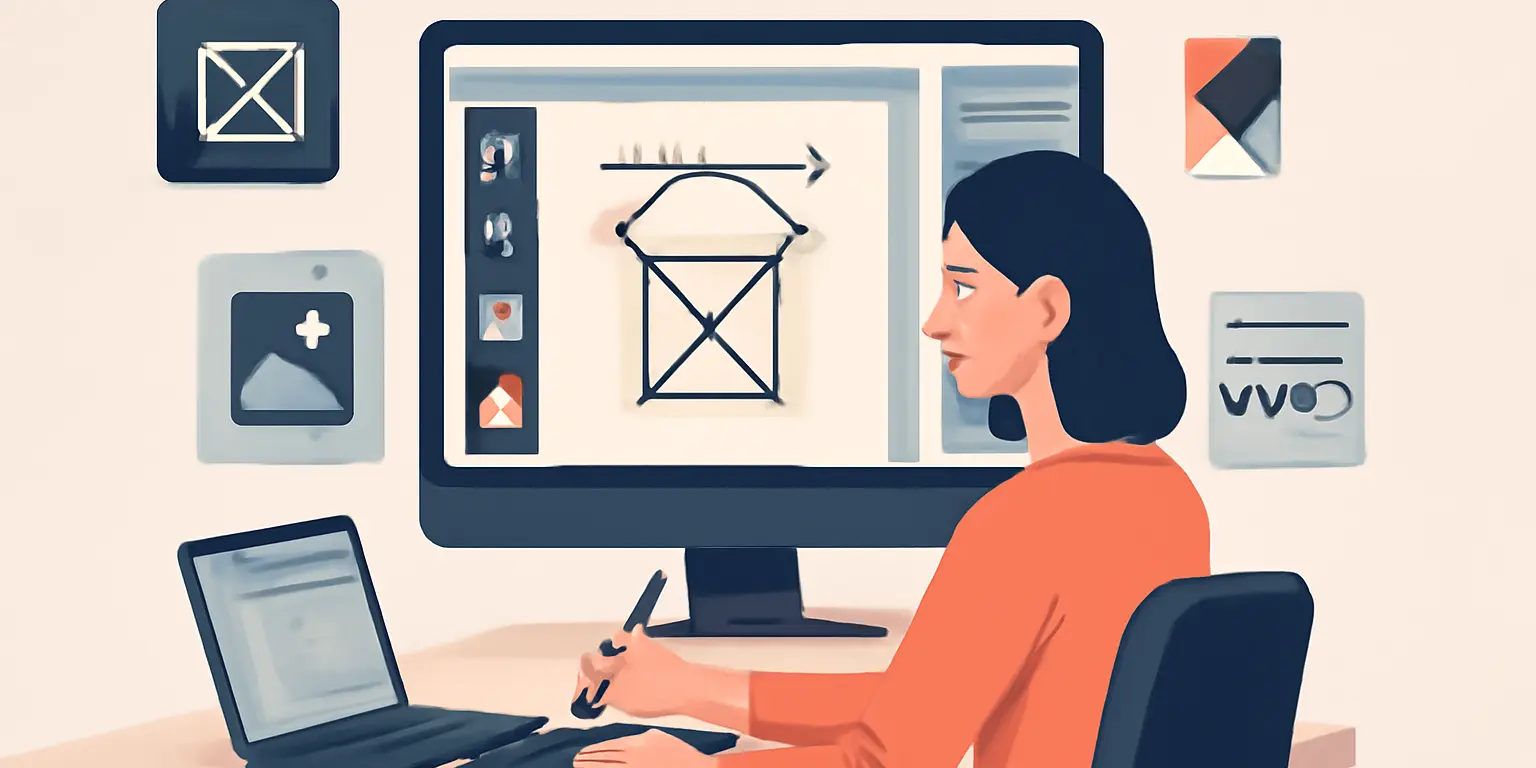
Building a Seamless Design Workflow with Assets
Introduction
In the fast-paced world of design, maintaining a smooth workflow is essential for maximizing productivity and creativity. A seamless design workflow can streamline the process, allowing designers to focus on their craft rather than getting bogged down by technical difficulties or resource management. One key to achieving this is having a well-organized library of assets.
This article will explore how to build a seamless design workflow using various digital assets such as icons, UI components, illustrations, and graphic resources, which are all available on platforms like Exolumin. We will delve into practical strategies, best practices, and common pitfalls to avoid.
The Importance of a Design Asset Library
A well-curated asset library enhances efficiency and promotes consistency in design projects. Here are some benefits of having a strong asset library:
- Time-saving: Quickly find and reuse assets instead of creating them from scratch.
- Consistency: Maintain a uniform style across projects, which is crucial for branding.
- Collaboration: Share resources easily with team members, improving teamwork.
- Quality: Access high-quality design resources that elevate the overall project quality.
Building Your Asset Library
Creating a functional and efficient asset library requires careful planning and organization. Here are some steps to follow:
- Identify Needs: Determine what types of assets your projects frequently require, such as icons or UI kits.
- Choose Quality Sources: Utilize reputable marketplaces like Exolumin to find high-quality assets.
- Organize Assets: Create a logical folder structure that categorizes assets by type or project.
Best Practices for Asset Management
To ensure your asset library remains effective, consider implementing these best practices:
- Regular Updates: Continuously refresh your library with new assets to keep it relevant.
- Version Control: Maintain different versions of assets to accommodate various design needs.
- Tagging System: Use tags for easy searching and filtering of assets.
Utilizing Design Tools
Many design tools offer features that can enhance your workflow. For example, tools like Figma and Adobe XD allow for easy import and management of assets. Integrating these tools into your workflow can save time and reduce friction during the design process.
Common Mistakes to Avoid
As you build your asset library, watch out for these common pitfalls:
- Overcomplicating Organization: A convoluted folder structure can lead to lost assets.
- Neglecting Licensing: Always check the usage rights of assets to avoid legal issues.
- Not Backing Up: Regularly back up your asset library to prevent data loss.
Enhancing Collaboration with Assets
In team environments, collaboration is key. A shared asset library can facilitate smoother teamwork. Here are some tips for effective collaboration:
- Centralized Access: Use cloud storage solutions to provide team members with easy access to assets.
- Feedback Mechanism: Establish a system for providing feedback on asset usage and quality.
- Documentation: Create guidelines for asset usage to ensure everyone is on the same page.
Conclusion
Building a seamless design workflow with assets is an ongoing process that requires attention to detail and a proactive approach. By creating a well-organized asset library, utilizing design tools effectively, adhering to best practices, and fostering collaboration, designers can significantly enhance their productivity and creativity. Remember to regularly review and update your asset library to keep it aligned with your evolving needs. With these strategies in place, you’ll be well-equipped to tackle any design challenge that comes your way.