
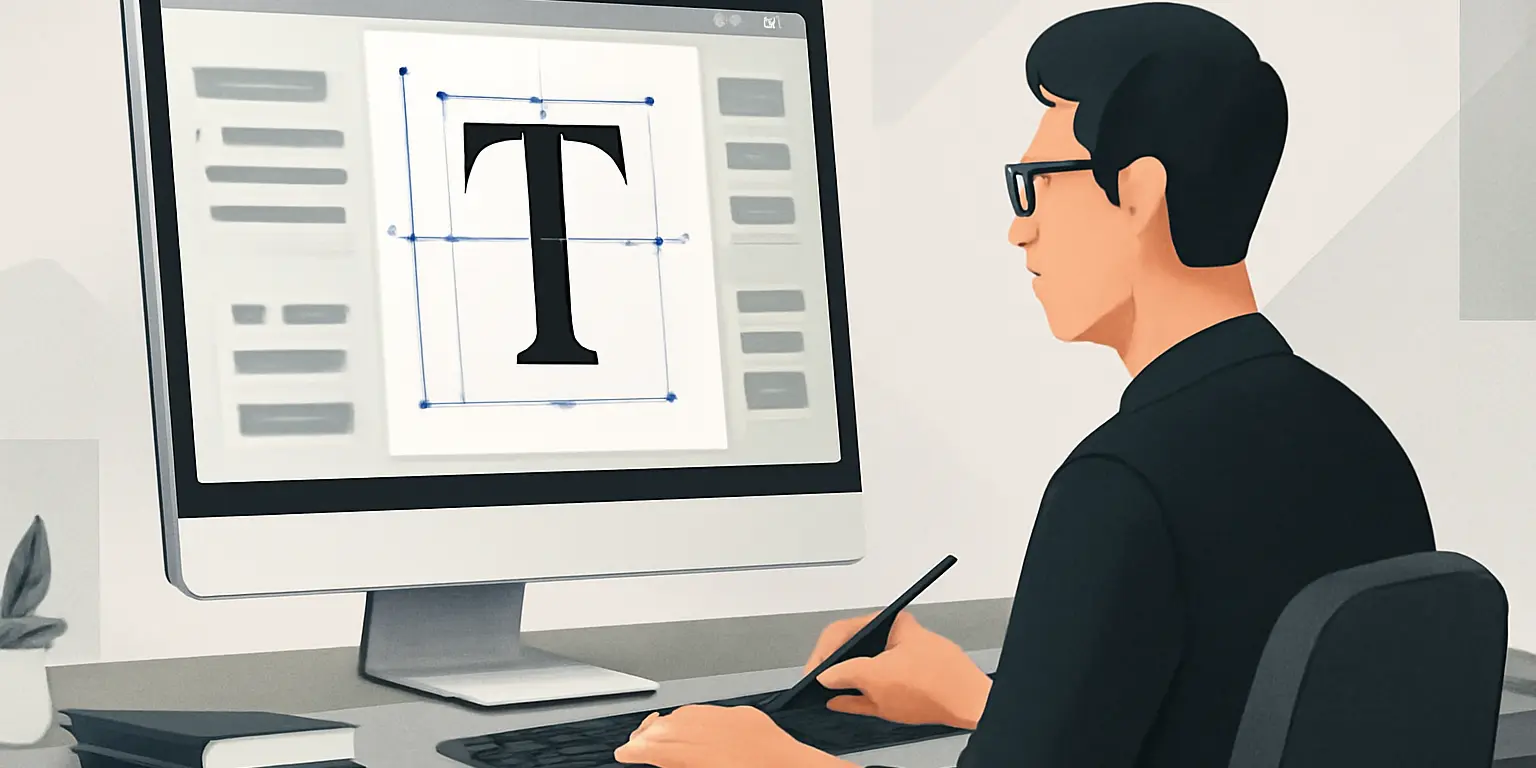
The Role of Typography in UI Design
The Role of Typography in UI Design
Typography is a fundamental aspect of user interface (UI) design that goes beyond mere aesthetics. It plays a crucial role in enhancing usability, conveying brand identity, and guiding users through digital experiences. In this article, we’ll explore the importance of typography in UI design, best practices, common mistakes to avoid, and actionable tips for creating effective typographic elements.
Understanding Typography in UI Design
Typography refers to the style, arrangement, and appearance of text. In UI design, it encompasses everything from font selection to spacing, hierarchy, and legibility. Good typography can create a sense of hierarchy, drawing attention to important elements and improving the overall user experience.
Benefits of Effective Typography
- Enhanced Readability: Clear and legible typography ensures that users can easily read and understand the content.
- Establishing Hierarchy: Different font sizes, weights, and styles help to create a visual hierarchy, guiding users through the interface.
- Brand Identity: Consistent typography reinforces brand recognition and communicates the brand’s personality.
- Improved User Engagement: Well-designed typography can keep users engaged by making content more appealing and accessible.
- Increased Accessibility: Proper typography can enhance accessibility for users with visual impairments or reading difficulties.
Key Typography Elements in UI Design
When it comes to typography in UI design, several key elements should be considered:
- Font Selection: Choose fonts that align with the brand identity and are appropriate for the target audience.
- Size and Scale: Ensure that text sizes are appropriate for different devices and contexts, maintaining readability.
- Line Height and Spacing: Adequate spacing between lines and letters enhances readability and prevents clutter.
- Contrast: Use sufficient contrast between text and background to ensure legibility.
- Alignment: Proper alignment helps to create a clean and organized layout.
Best Practices for Typography in UI Design
Implementing best practices can significantly improve your typography in UI design:
- Limit Font Choices: Use a maximum of two to three fonts to maintain consistency.
- Establish a Hierarchy: Use different font sizes and weights to create clear distinctions between headings, subheadings, and body text.
- Responsive Typography: Ensure that typography adjusts well on different screen sizes, maintaining legibility across devices.
- Test for Readability: Conduct usability testing to check how easily users can read and understand the text.
- Maintain Consistency: Use consistent styles for similar elements to create a cohesive design.
Common Typography Mistakes to Avoid
Even experienced designers can fall into typography traps. Here are some common mistakes to watch out for:
- Overusing Fonts: Using too many different fonts can create a chaotic and unprofessional appearance.
- Poor Contrast: Insufficient contrast between text and background can make reading difficult.
- Neglecting Accessibility: Failing to consider users with visual impairments can alienate a segment of the audience.
- Ignoring Hierarchy: Lack of visual hierarchy can lead to confusion and misinterpretation of information.
Real-World Examples of Typography in Action
Several successful brands and websites utilize effective typography in their UI design:
- Google: Their use of clear fonts and ample white space enhances readability across devices.
- Airbnb: The combination of playful and clean typography reflects their brand personality while maintaining usability.
- BBC: The BBC’s website uses a well-structured typographic hierarchy to guide users through content effortlessly.
Conclusion
Typography is an essential component of UI design that significantly impacts user experience. By understanding its role and following best practices, designers can create interfaces that are not only visually appealing but also functional and accessible. Whether you are a beginner or an experienced designer, paying attention to typography can enhance your work and improve user engagement. Remember to keep your designs simple,